VRAM Guides
What Is NVIDIA Flare and Can It Run on Your Machine?
NVIDIA published a local inference server called Flare NVIDIA put a local inference server called...
NVIDIA published a local inference server called Flare NVIDIA put a local inference server called...
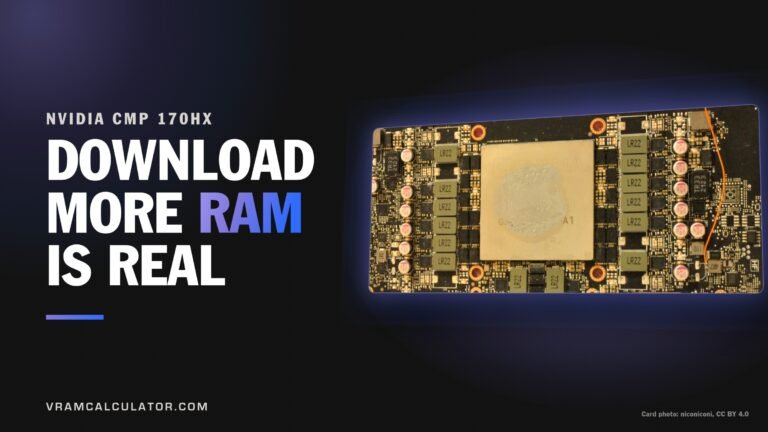
Can a mining card really download more RAM? It can, and the meme finally came...
What is the GPU unlock, and which graphics cards does it speed up? The GPU...
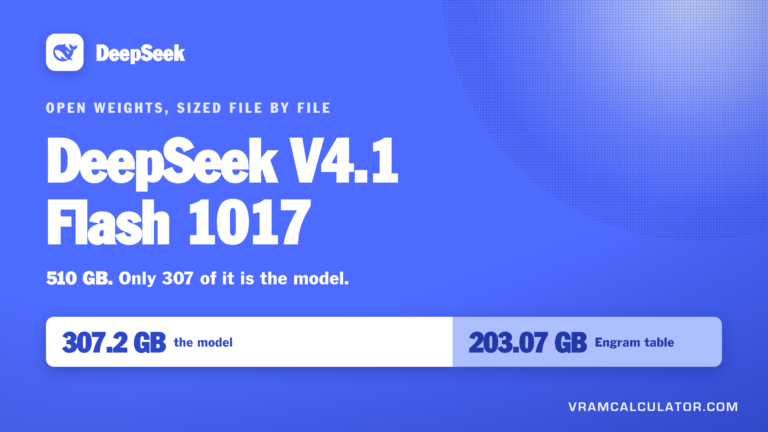
What is DeepSeek V4.1 Flash 1017? It is the same machine in a fresh coat...
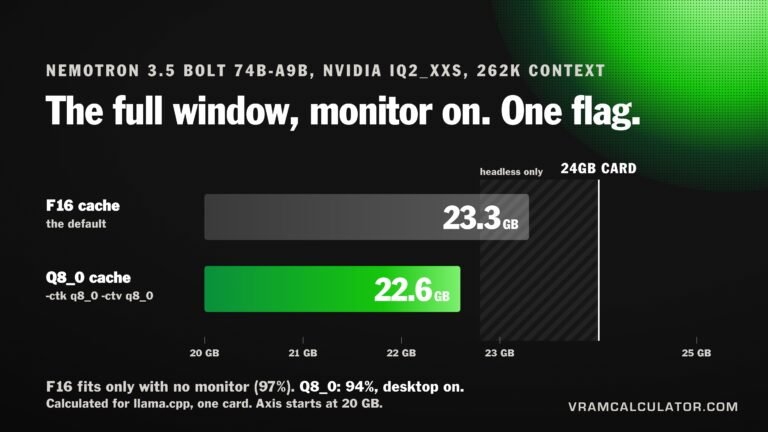
How much VRAM does Nemotron 3.5 Bolt need? On a 24GB card: 21.1 GB at...
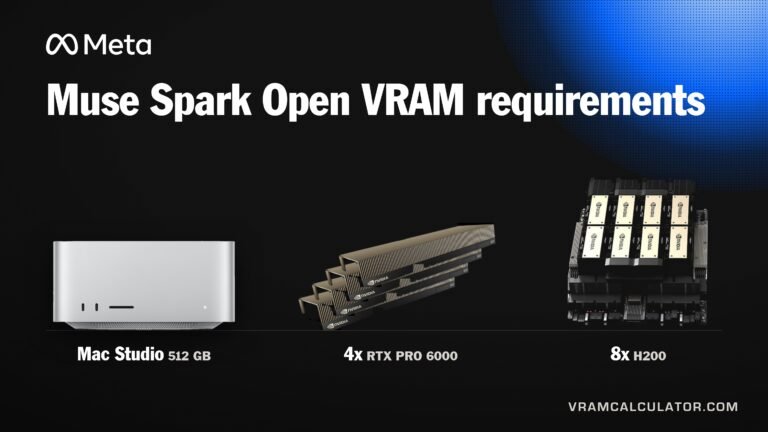
How Much VRAM Does Muse Spark Open Need? 293.9 GB at the smallest mainstream build...
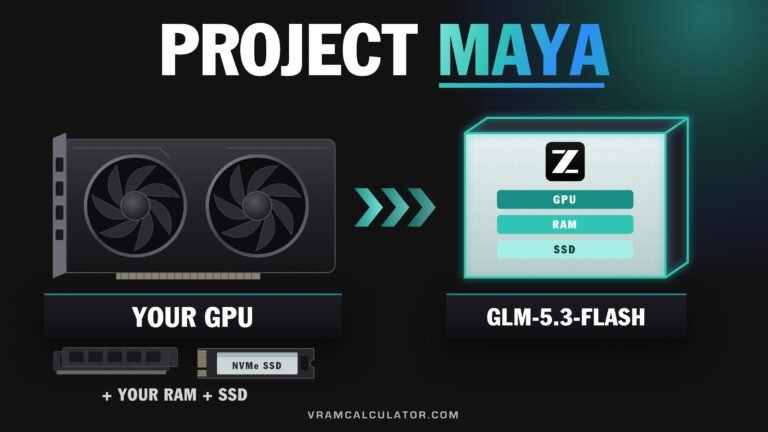
What Project Maya is Project Maya runs GLM 5.3 Flash, Z.ai's 320B model, on NVIDIA...
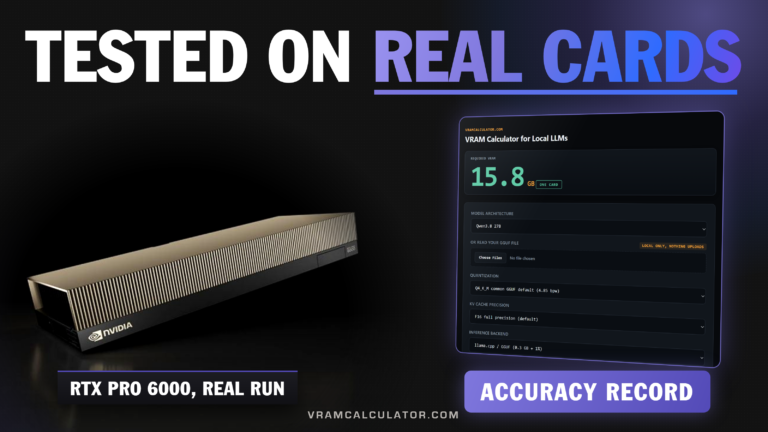
How accurate is our VRAM calculator? In this round of tests, every setup our calculator...
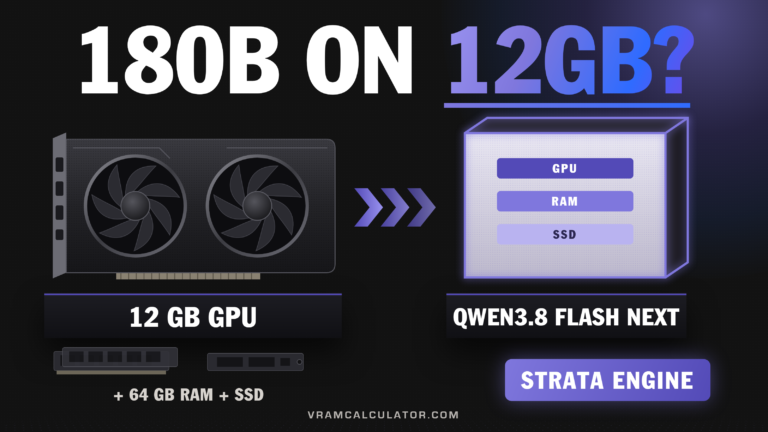
What Strata is Strata is an open-source engine that runs Qwen 3.8 Flash Next, a...
Two Windows machines for local models, one month NVIDIA's RTX Spark and AMD's Ryzen AI...
What TensorFold is TensorFold is an open-source inference server for Apple Silicon and NVIDIA GPUs...
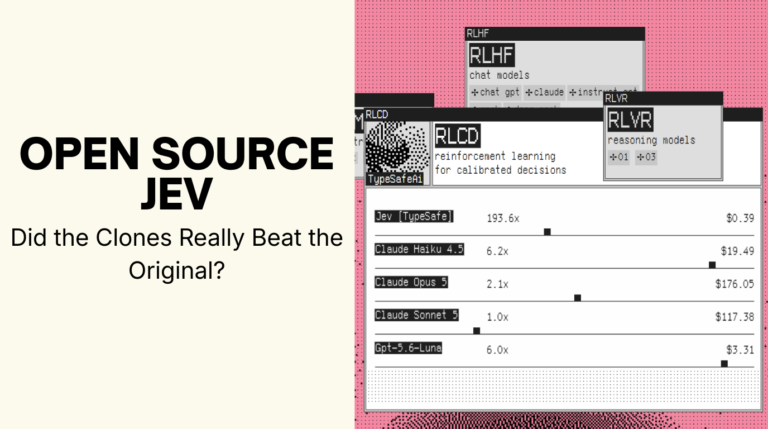
A closed model from an ex-OpenAI founder, and open rebuilds within a week On 15...
Abliterated model speed: faster at one stream on four DGX Sparks @Tech2Wild served GLM-5.3-Flash twice...
What the Athena Engine does on one DGX Spark Athena’s Engine is an inference server...
What a Tesla T4 says about a 27B model We ran Ternary Bonsai 2 27B...
What Inco Splash is, and which Macs can run it Inco Splash is an open-source...
What Bonsai 2 27B needs on your GPU 5.9 GB is the weights. It is...
Four people have run this test and no two of them held the same things...
What DeepSeek V4.1 Flash actually costs to run A million tokens of context costs 0.87...
Can your GPU run Qwopus 3.8 27B Flash? An RTX 5080 runs Qwopus 3.8 27B...
Can You Run Qwen 3.8 Flash Next NVFP4 on One Machine? Yes, on a single...
What Does Mixed Precision Quantization Do to the Gigabytes? It moves the big tolerant part...
Which GGUF Quant Should You Download? Take the largest four-bit build that leaves room for...
How Much VRAM Does GLM 5.3 Need? The short answer, now that the weights are...
Two numbers sit on this page and they are not the same kind of number....
GLM 5.3 Flash VRAM Requirements: The Short Answer Running Z.ai’s newest frontier MoE takes 191...
Qwen3.8 Flash Next VRAM: 180B Total, 6B Active Qwen shipped the architecture that Qwen4 will...
M5 Ultra Mac Studio: What 512 GB at 1.2 TB/s Runs Apple announced the M5...
Qwen3.8 27B MoE: A Real One Exists Now Somebody carved a mixture of experts out...
FreeToken VRAM Requirements, and Why VRAM Is the Wrong Number Less than you think, and...
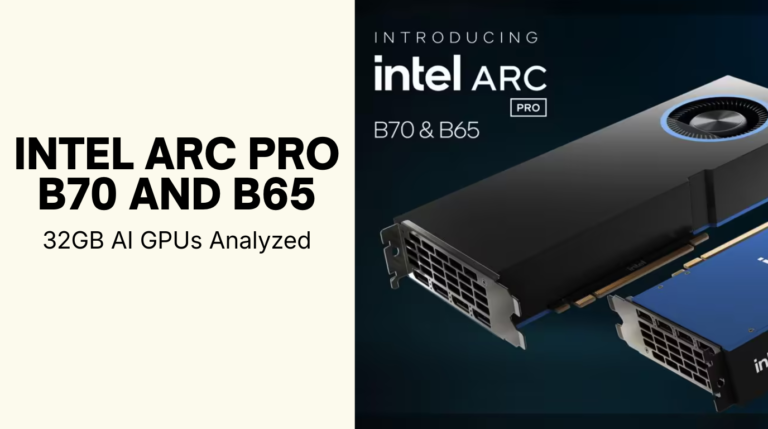
Are the Intel Arc Pro B70 and B65 Good for Local AI? Yes, if your...
VRAMCalculator.com ALPHA build 0.1 What LLM Can My Mac Run? Usable by the GPU 0...
Ornith 1.5 9B Runs at 16.3 tok/s on a Card From 2017 We put Ornith...
Does DFlash 2 Actually Double Qwen 3.8 27B? Yes, against a plain baseline. One A100...
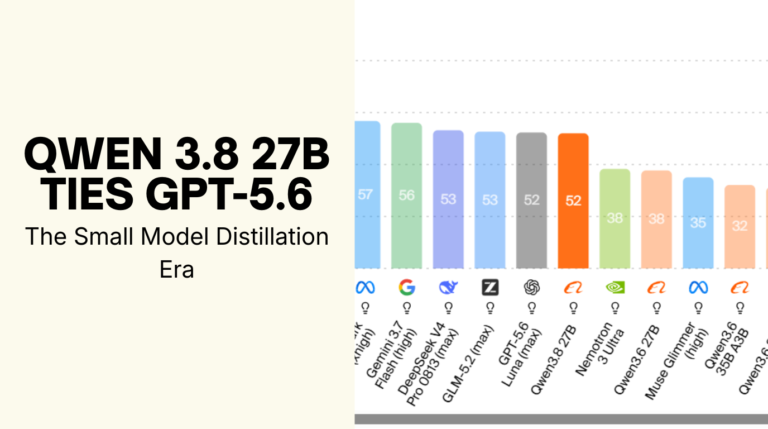
How Does a 27B Model Tie GPT-5.6? Qwen 3.8 27B scores 52 on the Artificial...
What Is an Abliterated Model? An abliterated model is an open-weight LLM whose refusal behavior...
Qwen3.8 27B Speed on Real Hardware, Measured by the People Who Ran It Qwen3.8 27B...
How Much VRAM Does Nemotron 3.5 Lightning Need? About 20.1 GB at the smallest published...
Qwen3.8 VRAM Requirements: Both Models Now Measured Qwen3.8-27B weights went public at 15:00 UTC on...
How Much VRAM Does Muse Glimmer Need? About 17.1 GB for the Q4 weights and...
QLoRA VRAM Requirements: Why Every Number You Find Is Different How Much VRAM Does QLoRA...
How Much VRAM Does Ling 3.0 Flash Need? 81.1 GB at the official FP4 build,...
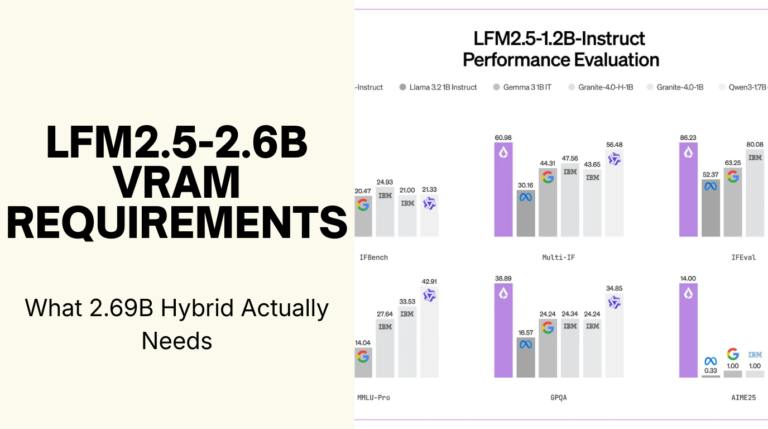
LFM2.5 2.6B VRAM Requirements: What 2.69B Hybrid Actually Needs How Much VRAM Does LFM2.5 2.6B...
How to Run DeepSeek V4 Flash on DGX Spark One command, and it fits on...
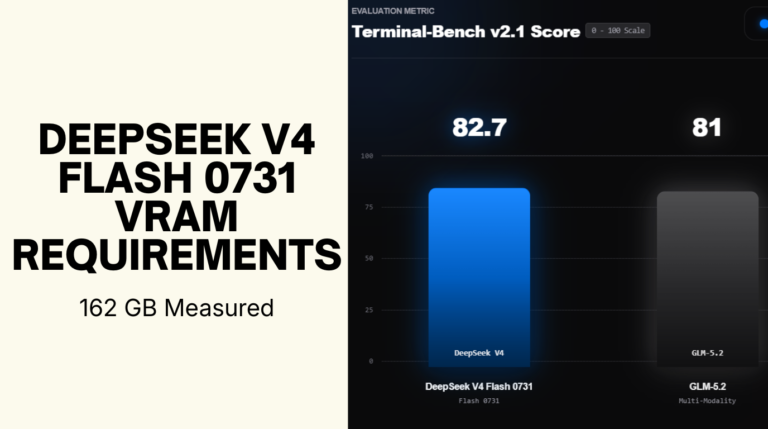
How Much VRAM Does DeepSeek V4 Flash 0731 Need? DeepSeek V4 Flash 0731 VRAM requirements...
We Said Kimi K3 Was Datacenter-Only. That Changed in Three Days. On July 27 we...
How Much VRAM Does Inkling Need? 680 GB at Q4_K_M with an 8K context for...
Chinese Labs Own the Open-Weight Leaderboards. That Doesn’t Mean You Can Run Them. Open-weight model...