Know what fits before you buy
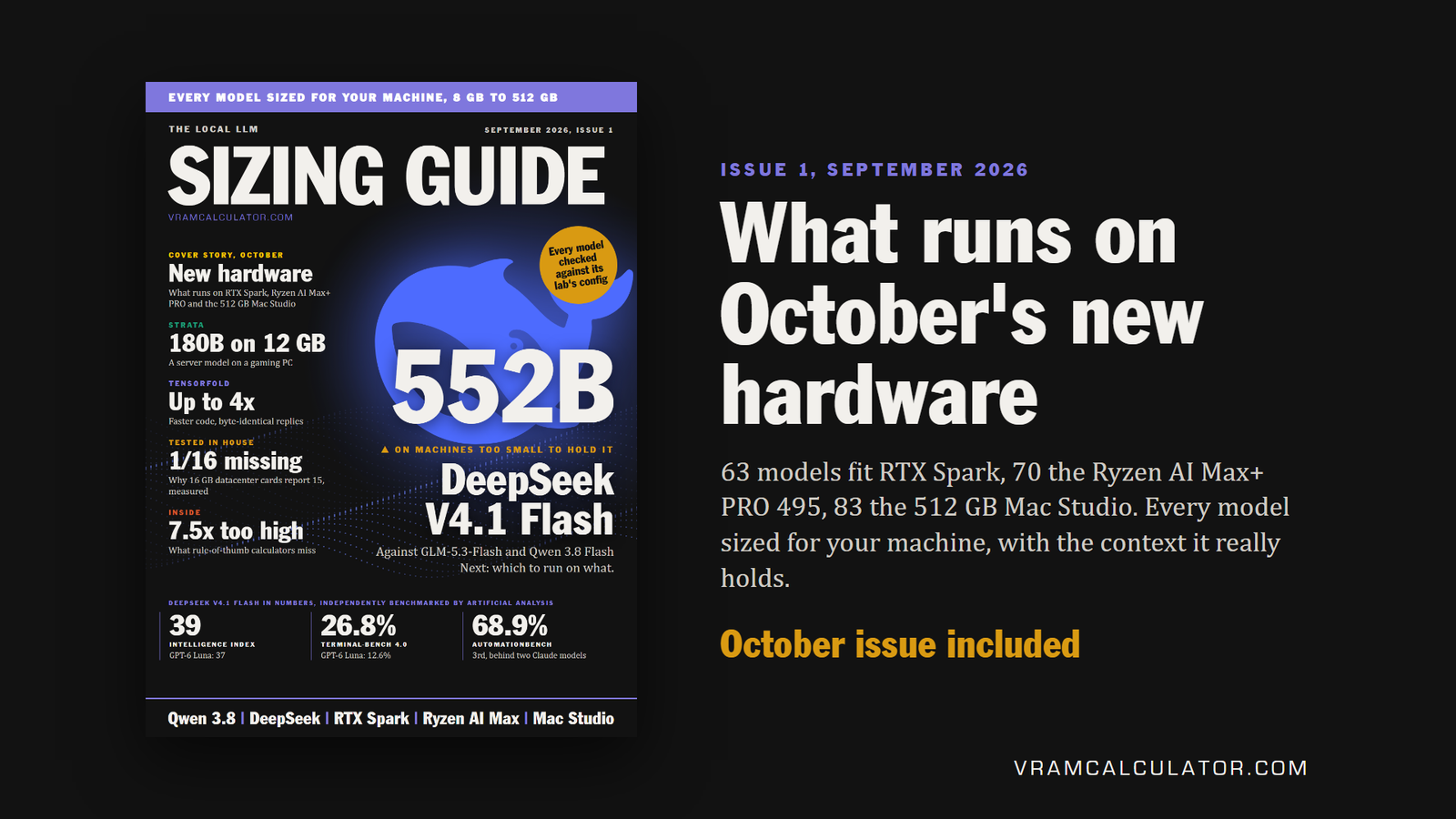
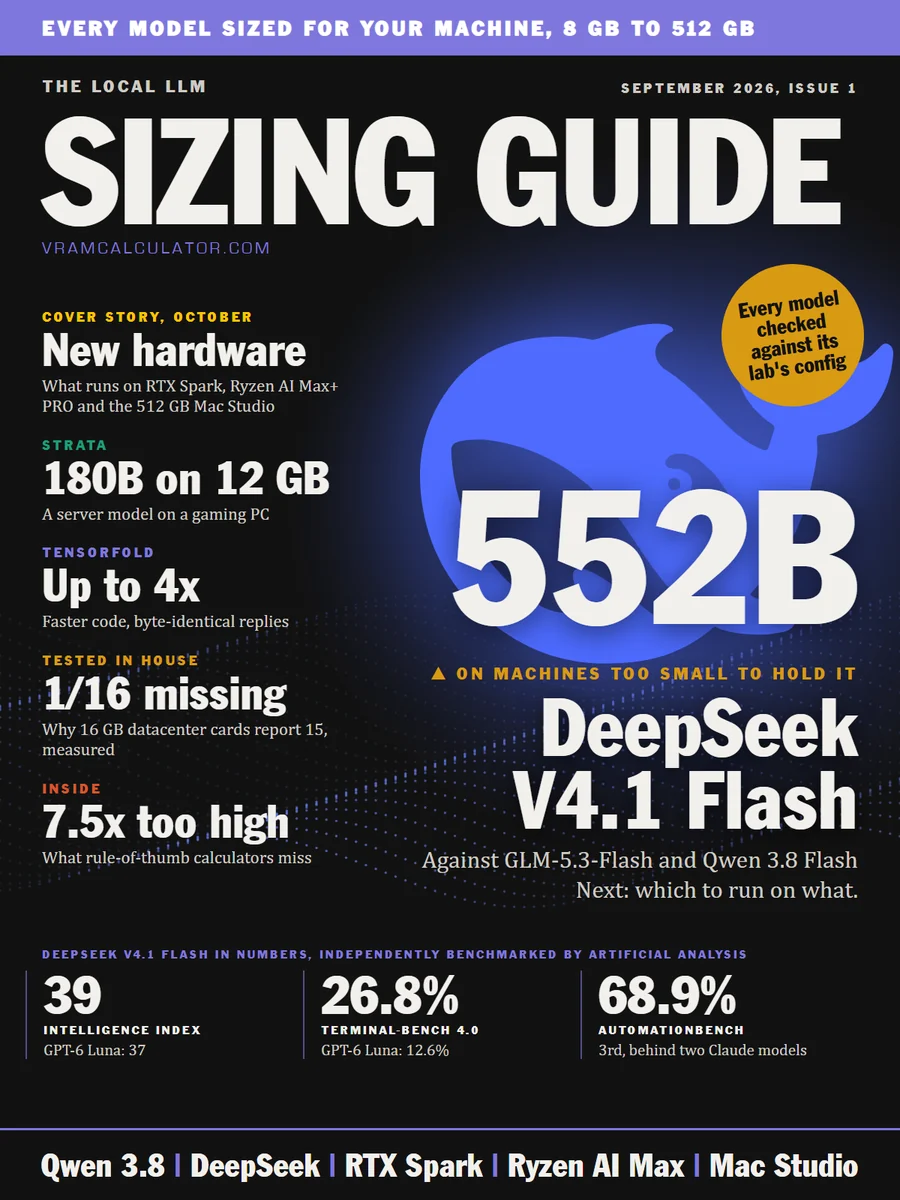
A GPU, a DGX Spark, a Ryzen AI Max machine or a Mac Studio is a purchase you make once. The Local LLM Sizing Guide shows what each one really runs before you spend: every model we size, on every machine from 8 GB to 512 GB, with the best quantization and the context it really holds. Issue 1 sizes October's new hardware before it ships.
From $9 a month. Card through Whop, or crypto. Every purchase includes the next issue.
Other calculators guess your context. This guide reads it.
of KV cache, guessed from the parameter count
what llama.cpp actually allocates
Qwen 3.8 27B at 64K of context: the guess is 7.5 times too high. Enough to send you shopping for memory you do not need, or to rule out a card that runs your model perfectly well.
Everything you need before you buy.
What runs on October's new hardware
RTX Spark, the 192 GB Ryzen AI Max+ PRO 495 and the 512 GB Mac Studio all reach buyers in October. Ten models in demand this month, sized on each before it ships, with the context each holds and a speed ceiling, and a DGX Spark beside them for scale.
128 GB, from October
PRO 495, 192 GB
M5 Ultra, 512 GB
Every model sized by the engine behind our calculators, each machine at the cautious end of the memory it gives its GPU.
DeepSeek V4.1 Flash, GLM-5.3-Flash or Qwen 3.8 Flash Next
Within three points on Artificial Analysis's Intelligence Index, far apart in memory and speed. Which to run on one Spark, two Sparks or a 512 GB Mac Studio, from measured runs.
8 GB to 128 GB, every model
The best quantization that fits, and the context it holds with an F16, Q8_0 or Q4_0 cache.
Every model on eight machines
The whole list side by side, from the 64 GB RTX Spark laptop chip to the 512 GB Mac Studio, with the format and the context each machine holds.
A 16 GB datacenter card gives you 15
Our own runs on a T4 and an A100: the memory ECC takes, what a quantized cache really costs, and our calculator checked against a real card.
Qwen 3.8 27B on a 16 GB card
Best fit UD-Q3_K_XL, 13.9 GB. Then the context it holds with each cache type:
Four times the context from one setting. Every model on every tier is laid out like this.
Issue 1 now, the October issue included.
Card payments through Whop. Your issues arrive by email and in your Whop library.Paid through NOWPayments. After paying, email admin@vramcalculator.com your payment ID so we know where to send your issues.
Subscription
Every issue as it comes out
- Issue 1 now, then every month
- The month's releases, sized, with measured runs credited
- Every correction counted, every issue
Single issue
Issue 1, and the next one
- Issue 1, September 2026
- The October issue, included
- No subscription
Before you buy
How is this different from the free calculator?
The calculator answers one model on one card per query. The guide lays out every model on every tier at once, with the context each cache type buys. It also sizes new hardware before it ships, compares the month's top models on the machines they compete for, and carries our own measurements, in one document you keep.
When do I get it?
Card buyers get Issue 1 in their Whop library the moment they pay; crypto buyers get it by email once they send their payment ID. A new issue comes out on the last day of each month, and whenever you buy, the next issue is included.
Which cards does it cover?
Every tier from 8 GB to 128 GB: one reference card per tier, with every other card of the same memory listed and any difference stated. Beyond that, eight unified-memory machines side by side, from the 64 GB RTX Spark laptop chip to the 512 GB Mac Studio.
Will the model really load at the size you give?
Yes. Every fit is the whole model in your card's own memory, weights, cache and runtime all counted, so it loads at the size we give.
Can I pay in crypto?
Yes. Switch the plans above to crypto: the subscription is 3 months upfront for $27, the single issue $24.90. The guide is delivered by email, the same as a card purchase.