VRAM calculator
VRAM Calculator for Local LLMs
Cards that hold it
How this is calculated
Domain for sale: voxllm.com
Your result
Read our measurements more often in Google: add VRAM Calculator as a preferred source.
Add vramcalculator.com on GoogleHow much VRAM do I need to run an LLM?
Three things, added together: the model's weights, the KV cache for your context, and what the inference engine keeps for itself. This VRAM calculator adds them for the model, quantization, context length and backend you pick above, and the default view shows how it lands: Qwen3.8 27B at Q4_K_M with 8,192 tokens of context in llama.cpp needs 14.7 GB of weights on the card, 0.7 GB of KV cache and about 0.5 GB of overhead, 15.8 GB in total.
We test those totals on real cards. In our latest round, 33 setups on llama.cpp across 16, 24 and 96 GB cards, every setup the calculator called a fit ran, 27 of 27, and every estimate sat at or above what the card actually used. The VRAM calculator accuracy record lists every run, misses included.
- Weights are the model file. Where we have recorded a published GGUF file's size, the calculator uses that measured size instead of an estimate from the parameter count, because the two can differ by a lot at low bit widths. For every other model it multiplies parameters by bits per weight. llama.cpp keeps the token embedding table in system RAM unless the model ties it to the output, so on the card the weights come to a little less than the file.
- The KV cache is the memory that holds your conversation, and it grows with every token of context. It is usually what decides whether a card that fits the model also fits the chat. On Qwen3.8 27B it is 0.6 GB at 8K and about 16 GB at the full 262K window.
- Overhead depends on the engine: llama.cpp 0.3 GB plus 1%, measured on real cards with a prompt filling the context, Ollama 0.9 GB plus 3%, LM Studio 1 GB plus 3%, vLLM 2 GB plus 5%, ExLlamaV2 0.6 GB plus 2%. A single card then keeps a fixed margin free, because filling one to the last megabyte fails in practice: 1.3 GB on a consumer card, where the desktop takes 1 to 1.5 GB at 1080p, and 0.5 GB on workstation and server cards.
Have a GGUF file already? Choose it in the calculator's GGUF field and it reads the model's header in your browser. Nothing uploads. It works as a GGUF VRAM calculator for files that are not in the list yet.
Start from the other side if you know your card and not your model: the GPU checker lists what your graphics card can run, the Mac checker does the same for Apple Silicon, and the speed checker estimates tokens per second once it fits.
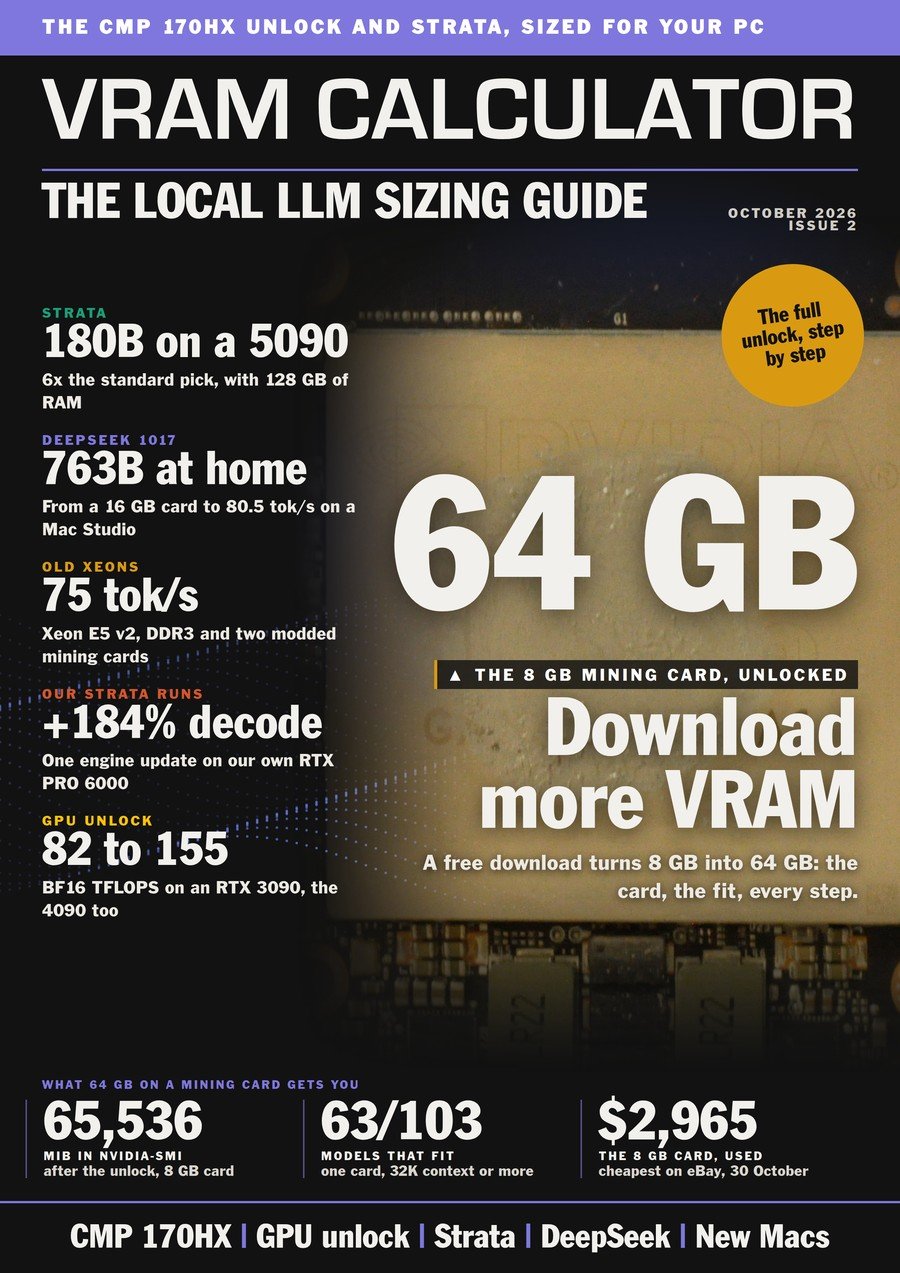
The Local LLM Sizing Guide. Issue 2, 31 October
That is one model on one card. Issue 2 sizes every model on every card, and finds 64 GB on a used mining card.
Every model sized for every tier from 8 GB to 128 GB, with the context each cache type holds. Plus the CMP 170HX unlock, step by step.
$24.90 for three issues, or $9 a month. Card or crypto.
FAQ
How do I calculate VRAM for an LLM?
Add the weights (the model file size, or parameters times bits per weight divided by 8), the KV cache for your context length, and the engine's overhead, then keep 1.3 GB spare on a consumer card, or 0.5 GB on a workstation or server card. This LLM GPU memory calculator does all three and shows each part separately.
How much VRAM does a 27B model need?
It depends on the model's attention design, so pick yours above. Qwen3.8 27B at Q4_K_M comes to 15.8 GB with 8,192 tokens of context in llama.cpp using unsloth's 16.5 GB file, and about 16.7 GB with bartowski's 17.4 GB file. On a 16 GB card the first clears by about 0.2 GB, which the calculator flags as tight: workable on a card with no screen attached, too close on one that also runs your display. Plan on 20 GB or 24 GB. Longer context raises it, because the KV cache grows with every token.
Does context length change how much VRAM I need?
Yes. The weights stay the same size, but the KV cache grows with every token you keep: on Qwen3.8 27B it is 0.6 GB at 8K and about 16 GB at 262K, more than the 14.7 GB of weights on the card. Set the context window to the length you actually use before you trust the total.
How accurate is this VRAM calculator?
In our latest round of real runs, 33 setups on llama.cpp across 16, 24 and 96 GB cards, every setup it called a fit ran, 27 of 27, and 30 of the 31 that loaded came within 5% of the memory the card really used, never below it. Its misses were all on the safe side: it called a few setups too tight that squeezed in. The full table is in the VRAM calculator accuracy record.
Does this VRAM calculator upload my GGUF file?
No. The calculation runs in your browser, and the GGUF reader opens only the file's header on your machine, so the file never leaves it. There is no signup.